GPT Image 2.5, new YouTube analytics
AI models
GPT Image 2.5 is now available
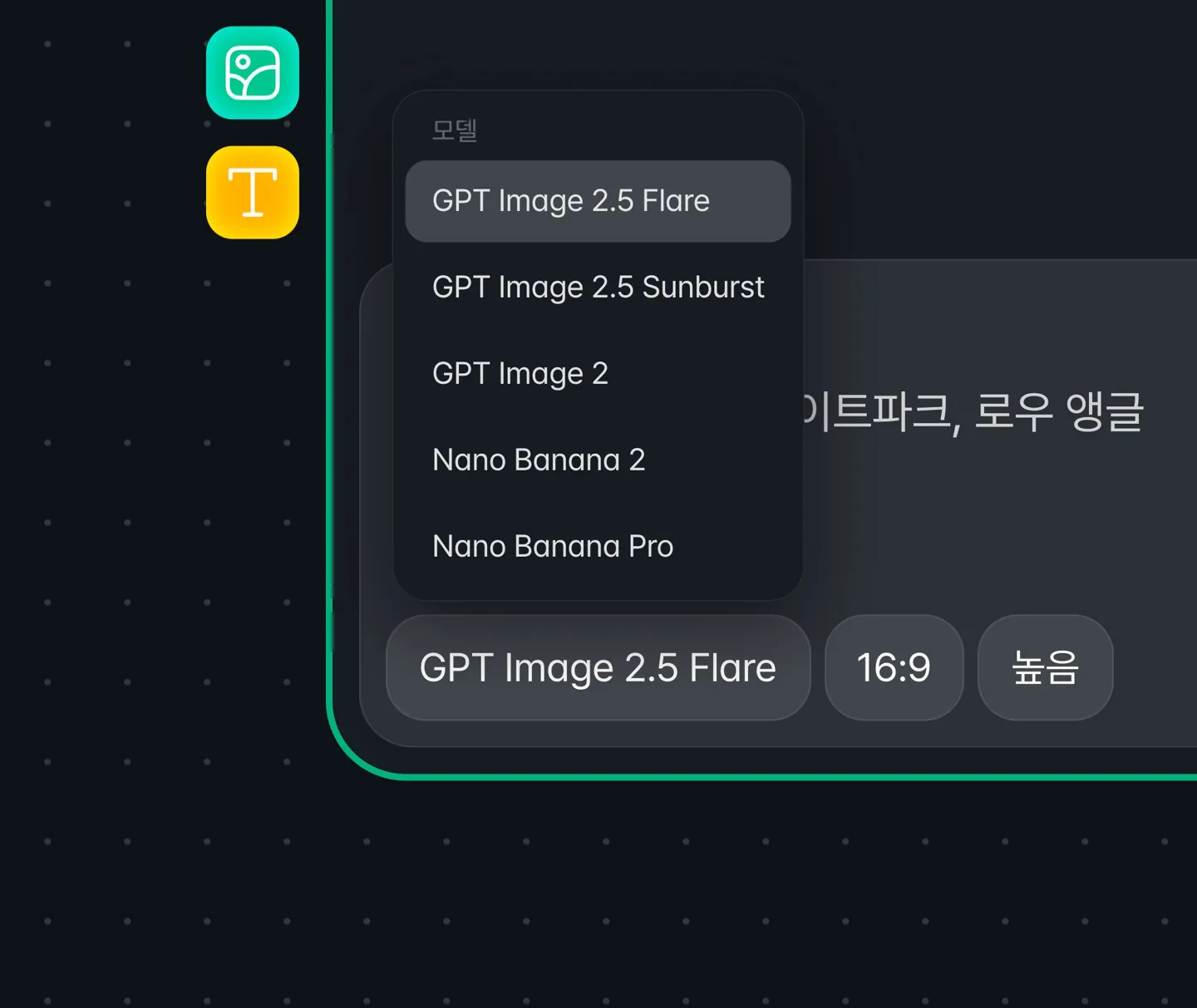
You can choose between GPT Image 2.5 Flare and GPT Image 2.5 Sunburst, and new image nodes now use GPT Image 2.5 Flare by default.
Quality comes in five levels (Low, Medium, High, Extra High, and Max), costing 10, 20, 90, 160, and 350 credits per image respectively. Both models use the same credits. Learn more on GPT Image 2.5.
Image generation credits have changed
For GPT Image 2, Low changes from 50 to 10 credits, Medium from 100 to 90 credits, and High from 300 to 350 credits.
Each input image connected to an image generation now adds 20 credits, up from 10.
GPT Image 1.5 has been removed from the model list
New image nodes can use GPT Image 2.5 and GPT Image 2.
Highlight
AI clip refine conversations now stay with you

Your conversation stays in place when you refresh or move to another clip, and the history is saved per clip. If a refinement finishes while you're away, you'll see the result when you come back.
Refine requests are now processed without waiting in a queue. We also fixed follow-up questions from the AI showing an Apply button, and suggestions appearing without their explanation.
You can now sort the clip list by Top rated

Choose between By time and Top rated. Top rated lists the best-matching segments first, and the lists before and after extraction share the same sort order.
AI clip refine now snaps to scene boundaries
Requests that change a segment's length, such as adding 10 seconds at the start, now snap to the nearest scene boundary and describe what the newly included scene contains.
YouTube analytics
YouTube analytics has been redesigned
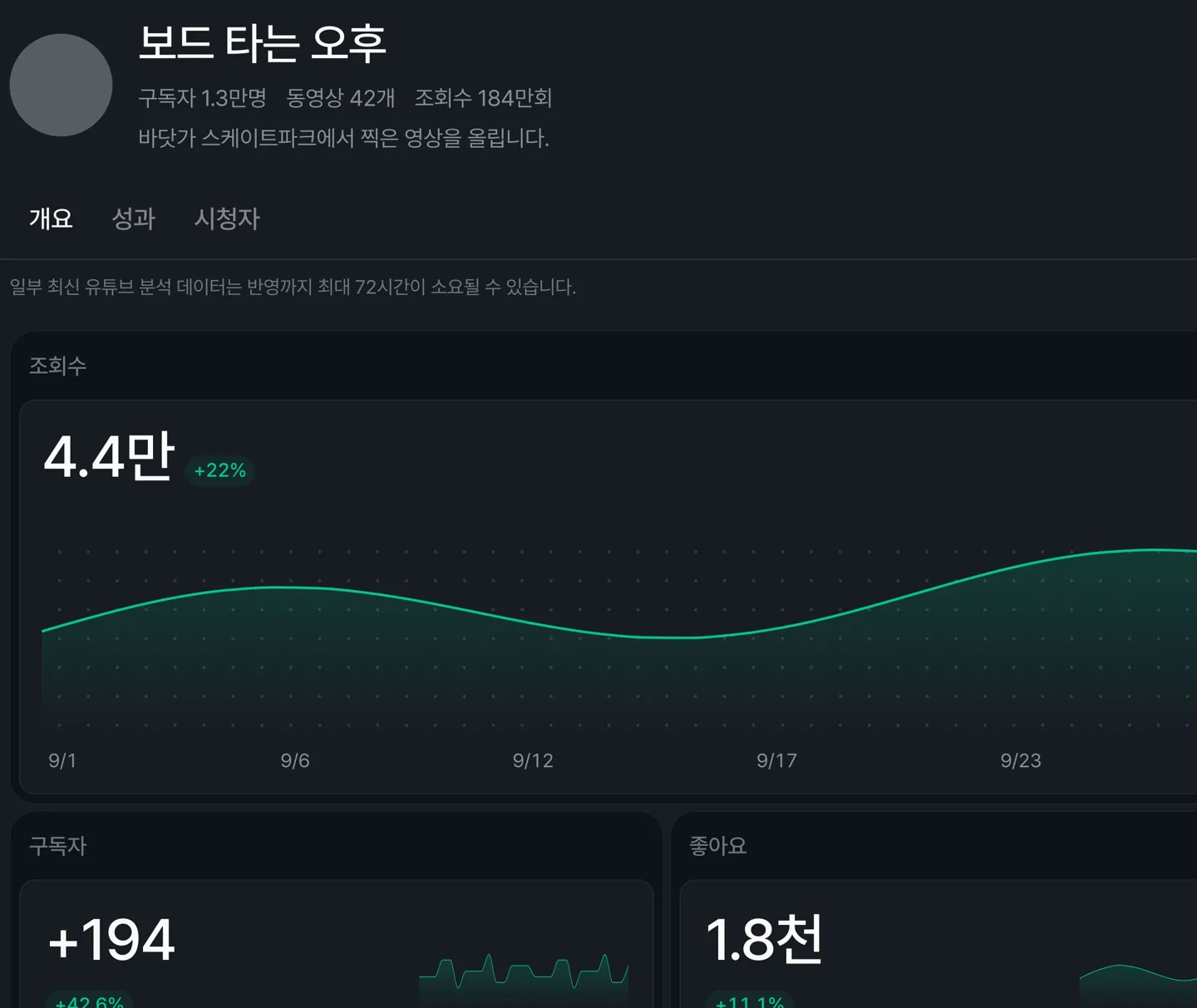
Subscribers, videos, and views now appear under the channel name, and metrics are organized into Overview, Performance, and Audience tabs.
Each metric shows its change from the previous period, and changes in Average percentage viewed are shown in percentage points.
You can now see analytics for each video
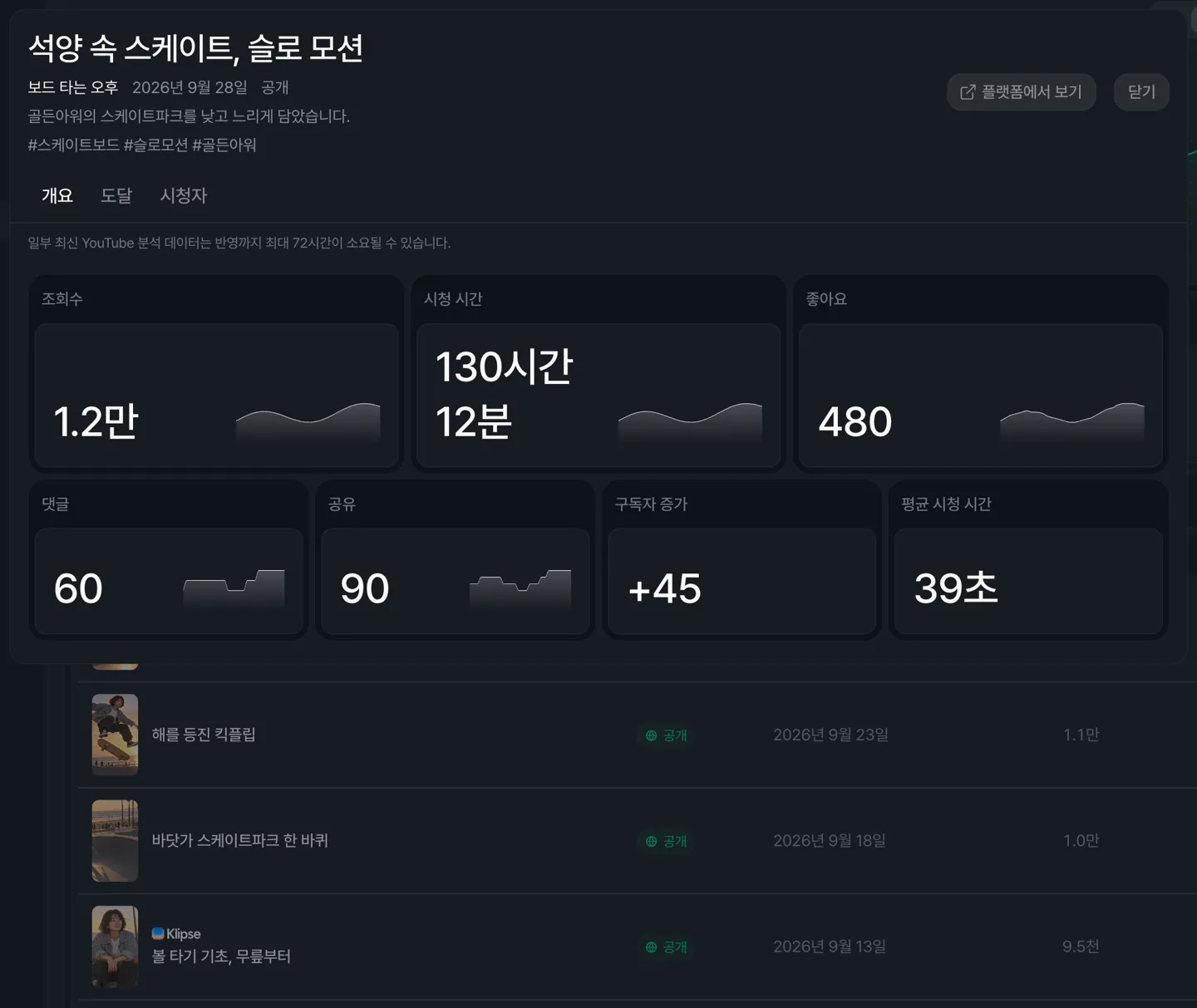
Click a video in the content table to open its analytics, with the same tabs and metrics as the main Analytics page.
Plans and billing
Plan features now apply right after payment
Fixed an issue where, after a payment or coupon changed your plan, the previous plan's limits remained until you refreshed the page.
The Subscription page now reflects your actual subscription status
If you schedule a cancellation, the page now shows the end date and that your account will move to Trial, instead of the next billing date. If a payment isn't completed in the payment window, the reason is shown.