Newsroom
Product updates and news from Klipse.
v1.15
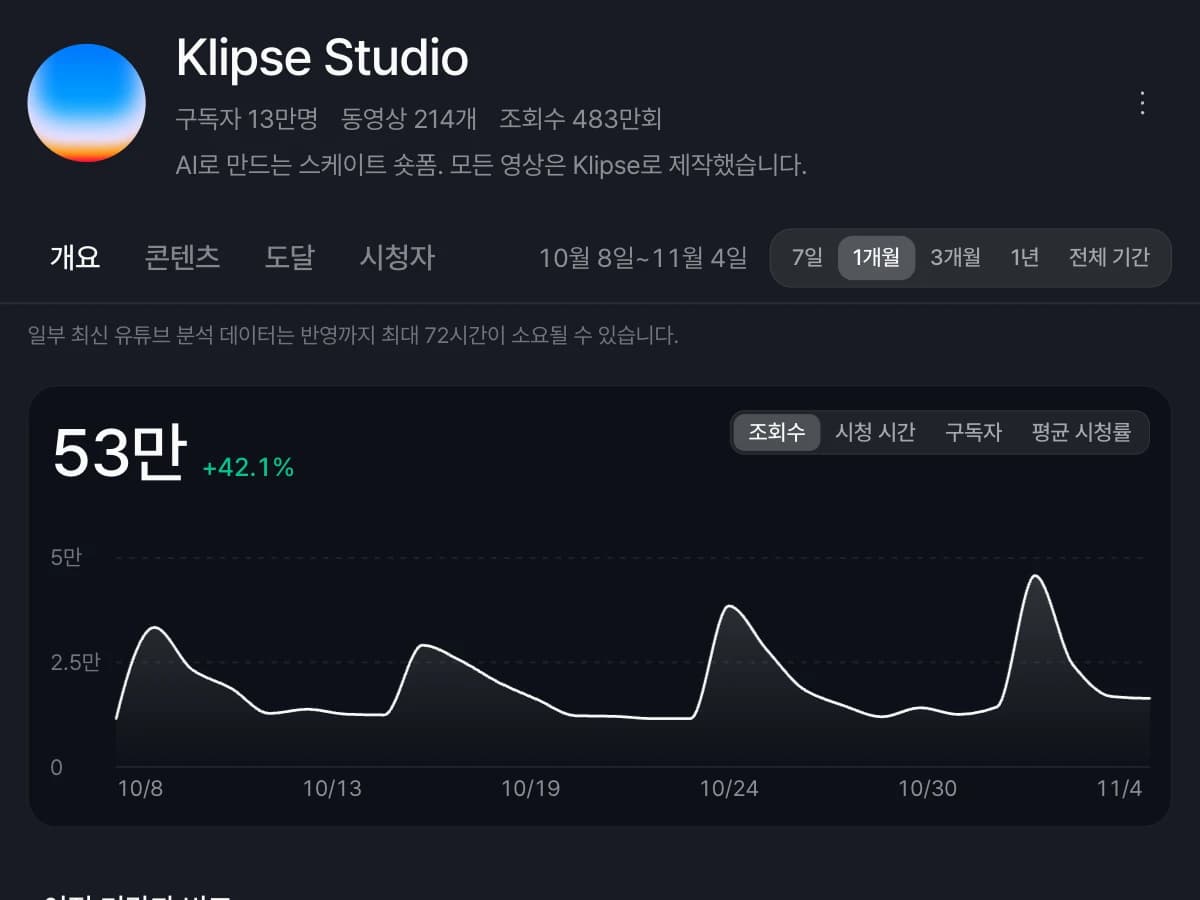
GPT Image 2.6 and new YouTube and Instagram analytics
Image generation moves to GPT Image 2.6, YouTube and Instagram analytics are redesigned, and Canvas and Remix are easier to use.
- v1.14
v1.14
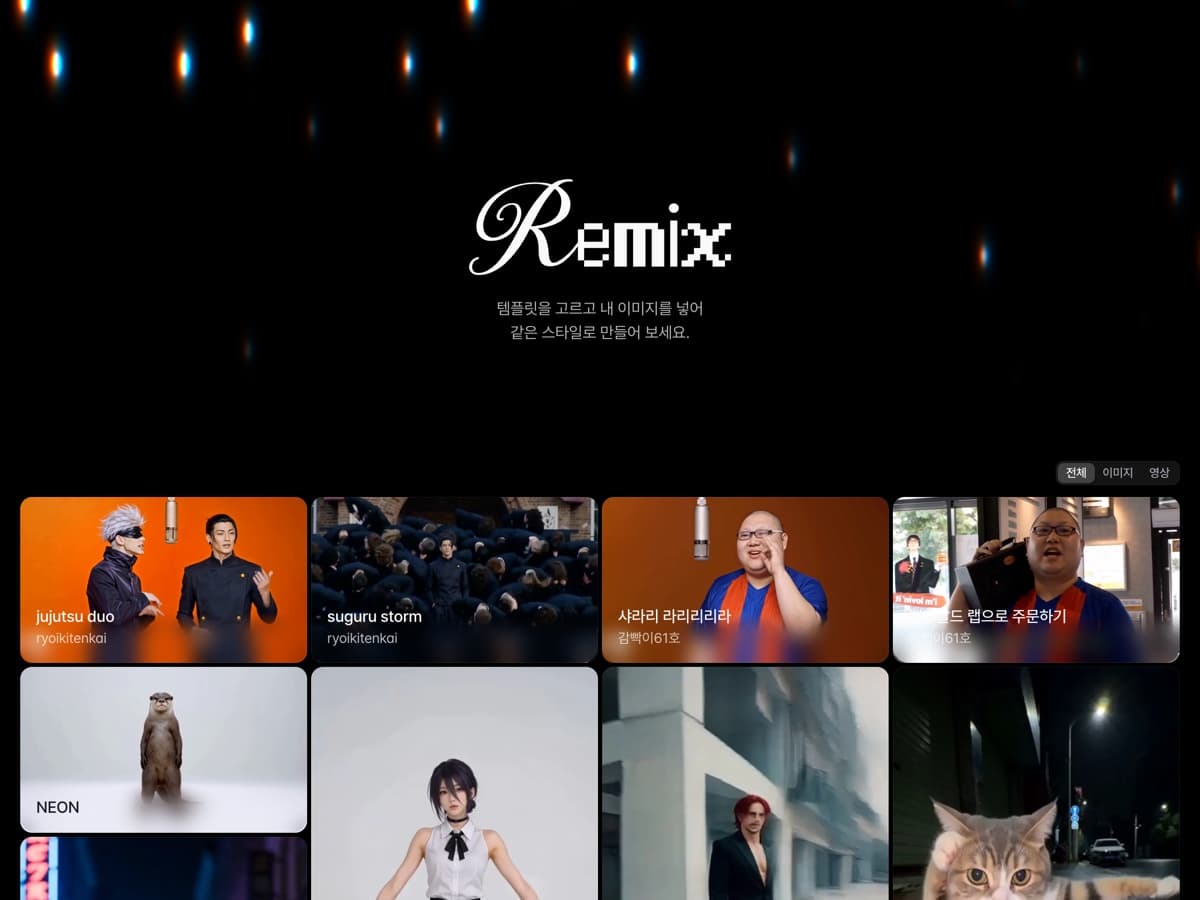
Carousel beta and Remix are here
Carousel enters beta, Remix lets you start from templates, and Composition adds caption styles and animated captions.
- v1.13
v1.13
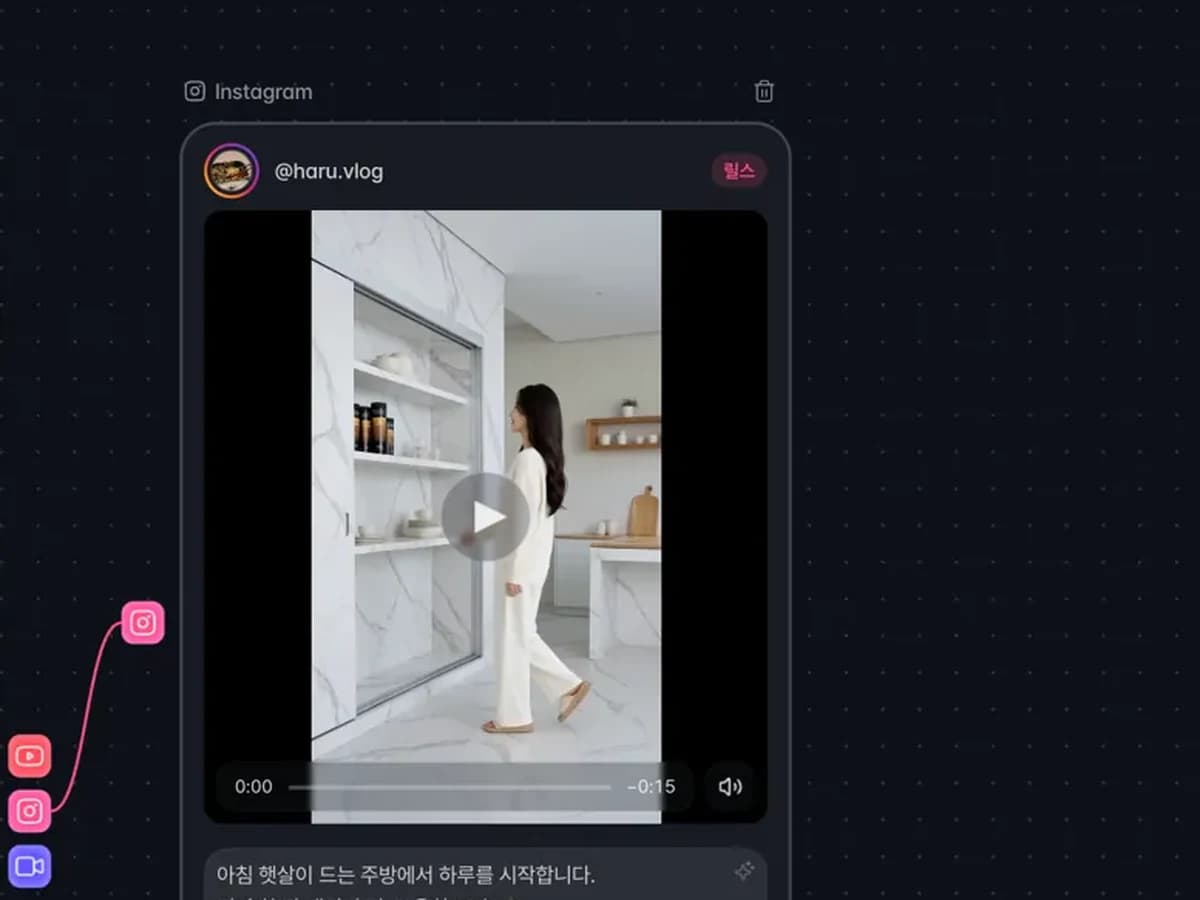
Instagram posting and analytics, Kling Motion Control
You can now post Instagram Reels from Canvas and track your account's performance, plus Kling Motion Control and reference audio for video generation.
- v1.12
v1.12
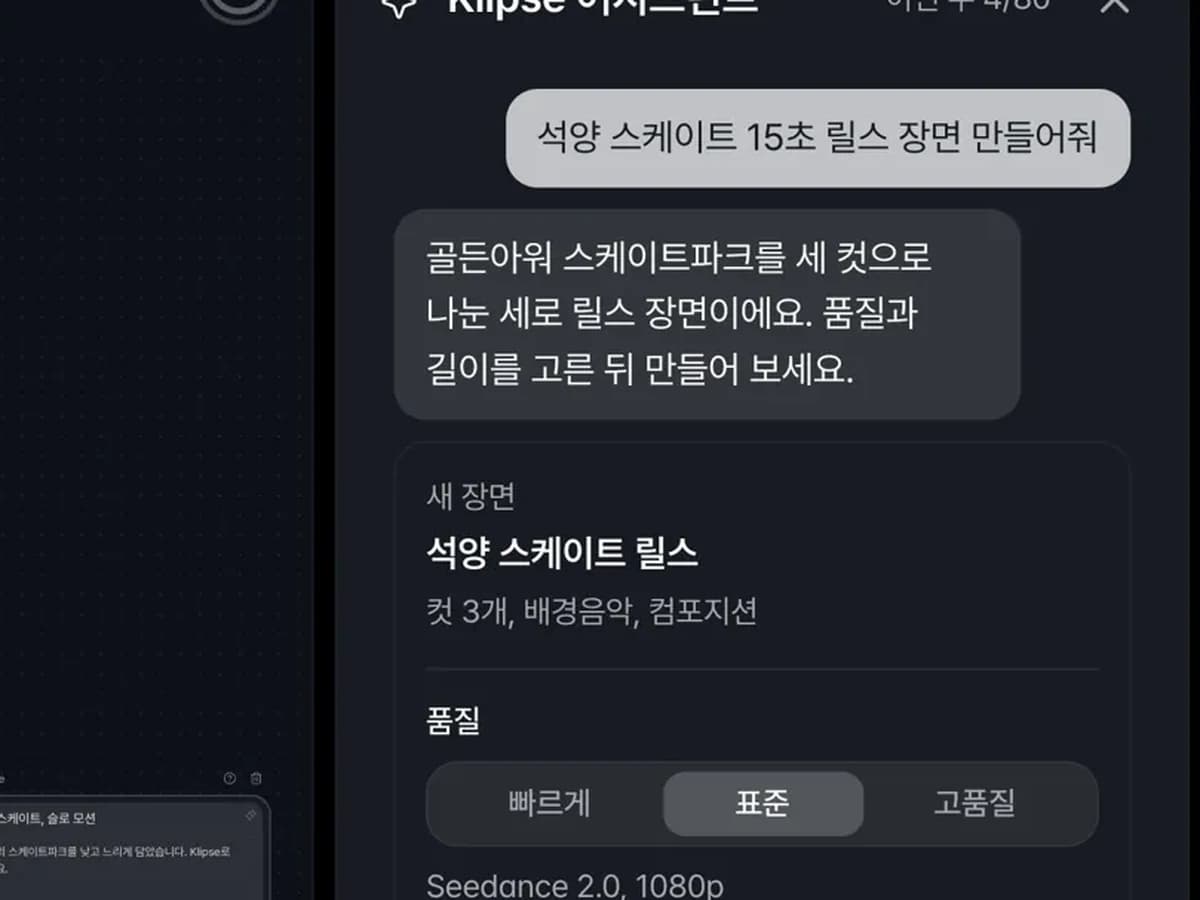
Klipse Assistant, new landing and model pages
Klipse Assistant arrives in Canvas, first-time guidance and help have been rebuilt, and a new landing page, model pages, and the ambassador page are live.
- v1.11
v1.11
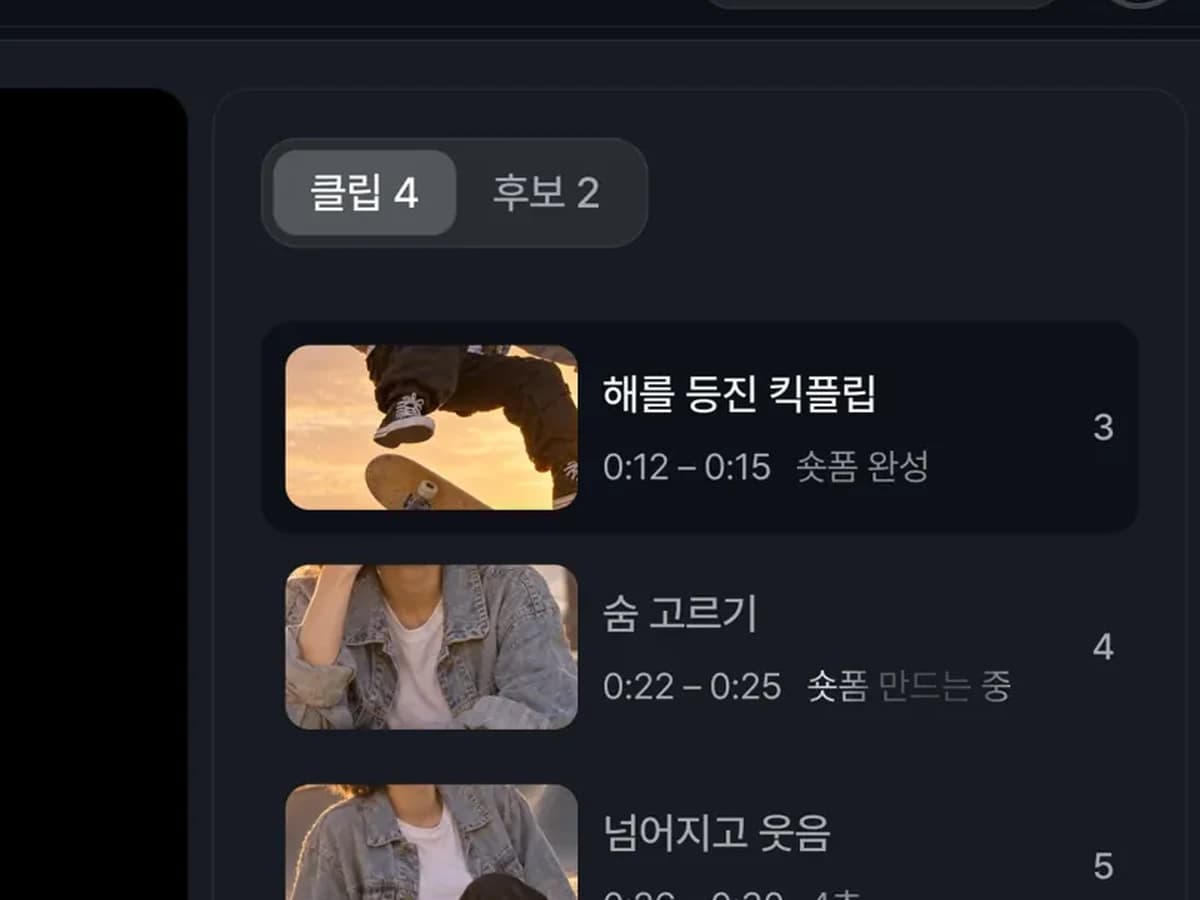
Highlight workspace, Nano Banana 2.1
Highlight now runs in one workspace, finished jobs send notifications, and Nano Banana 2.1 lowers the credits for image generation.
- v1.10
v1.10
Subscription redesign, next-step menu
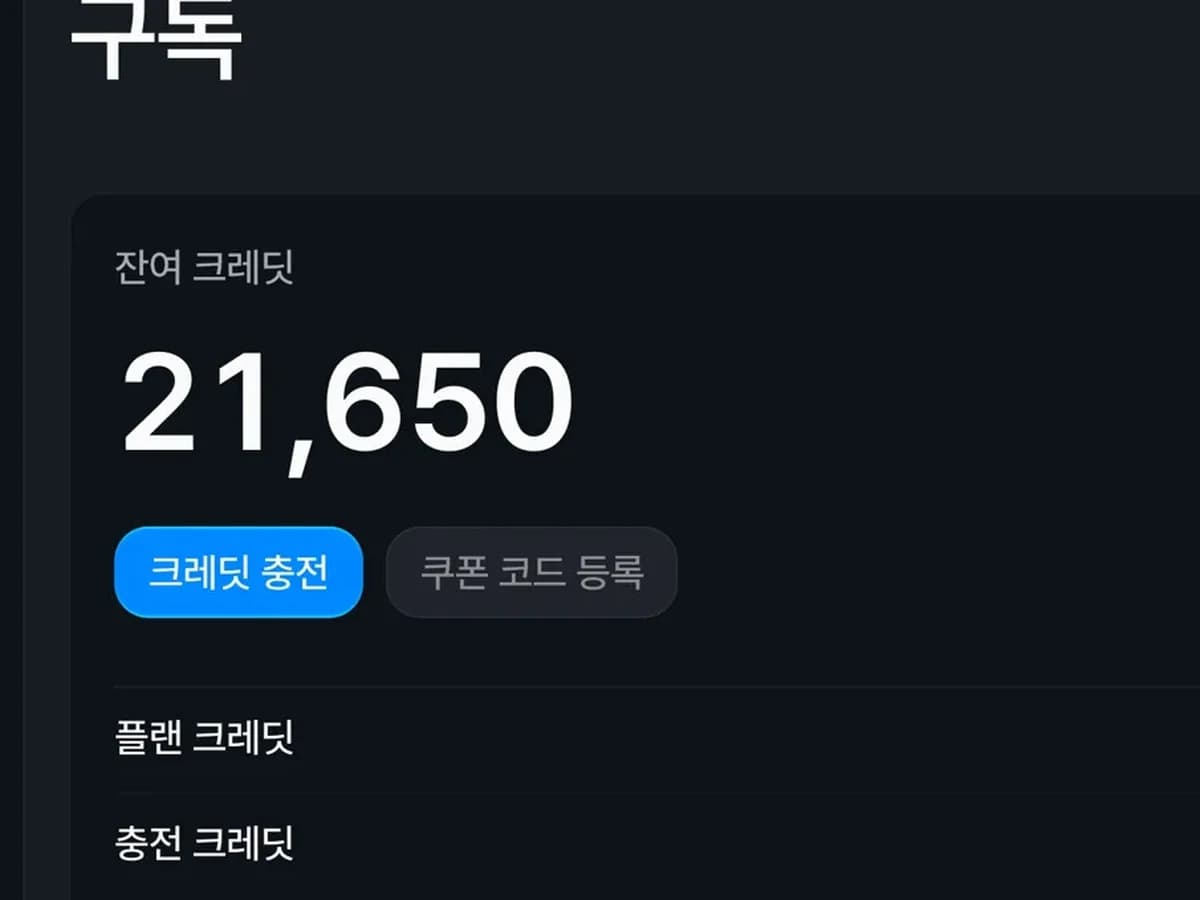
The Subscription page now leads with your remaining credits and three tabs, Canvas output points open a next-step menu, and sound nodes accept your own audio files.
- v1.9
v1.9
Highlight shorts redesign, 15s Kling Omni
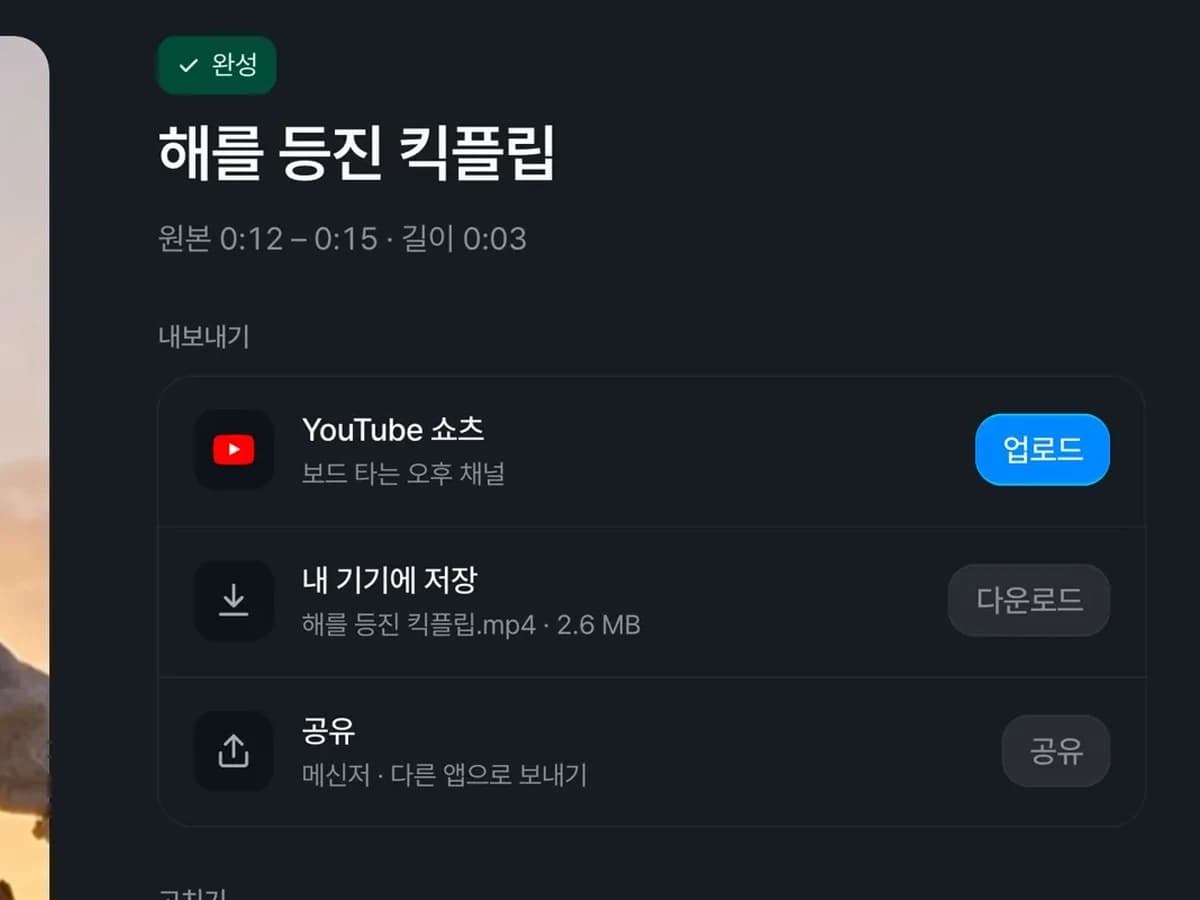
The Highlight shorts result screen is now built around exporting, AI-written segment notes follow your display language, and Kling Omni can generate up to 15 seconds.
- v1.8
v1.8
GPT Image 2.5, new YouTube analytics
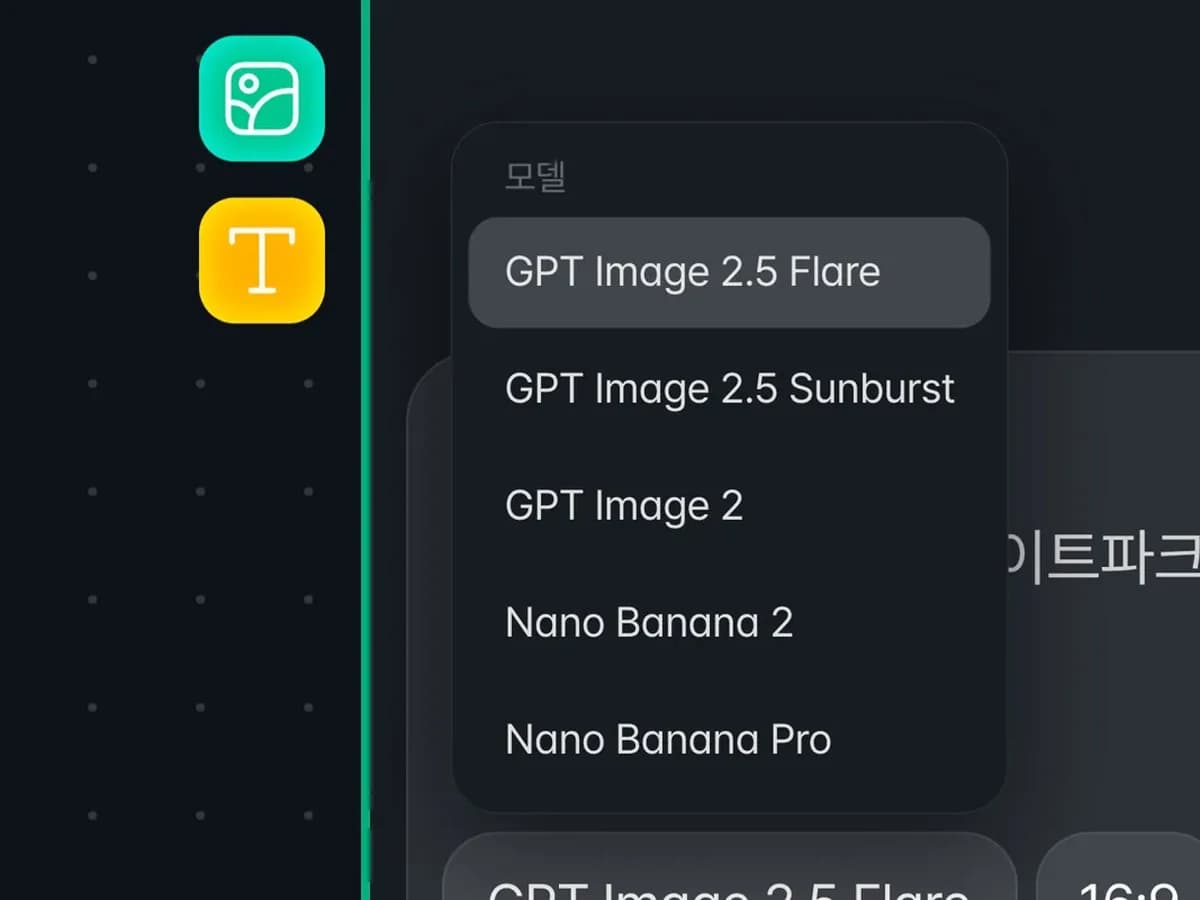
GPT Image 2.5 becomes the default image model, AI clip refine conversations are saved per clip, and YouTube analytics has a new layout.
- v1.7
v1.7
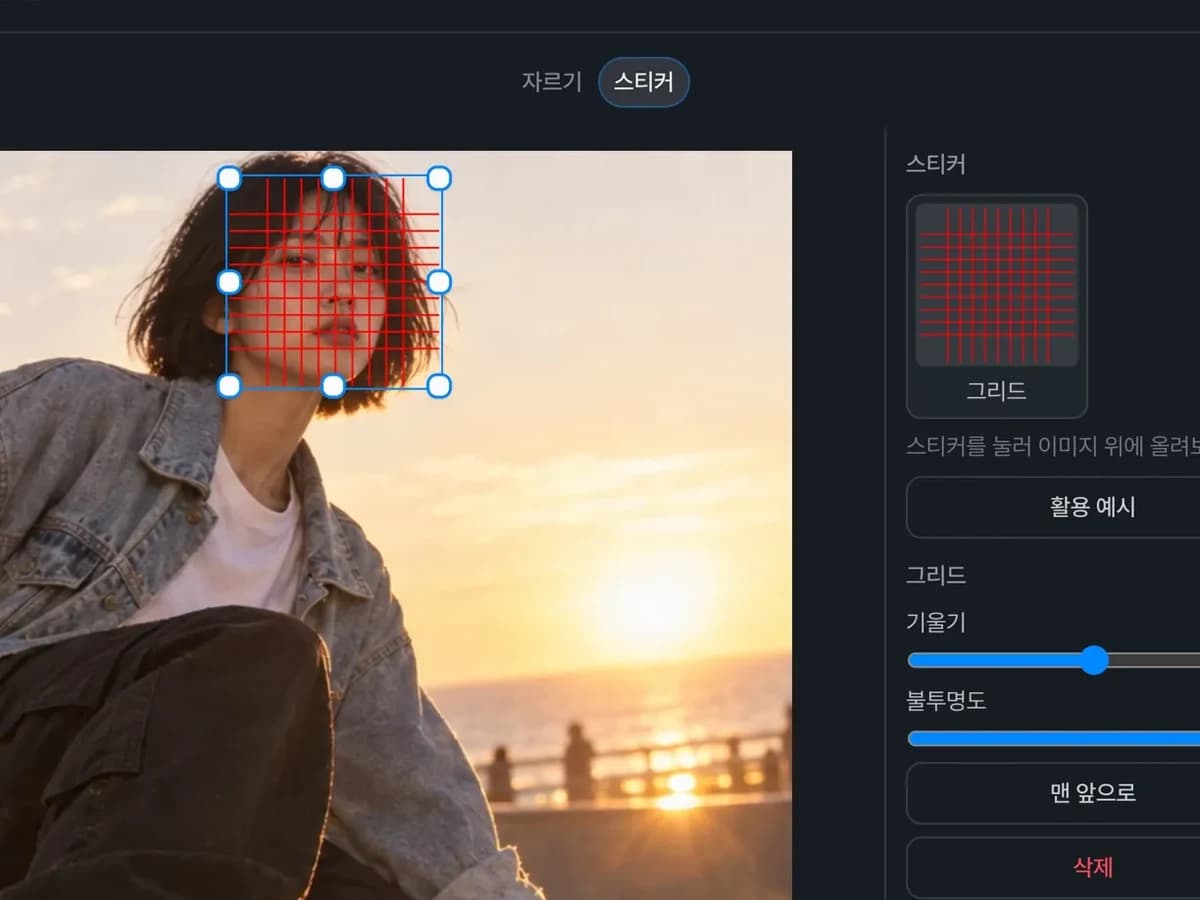
Gift a plan, stickers in image editing
This update adds plan gifting and image stickers, renames the screens to Canvas and Composition, and brings volume control to the video player.
- v1.6
v1.6
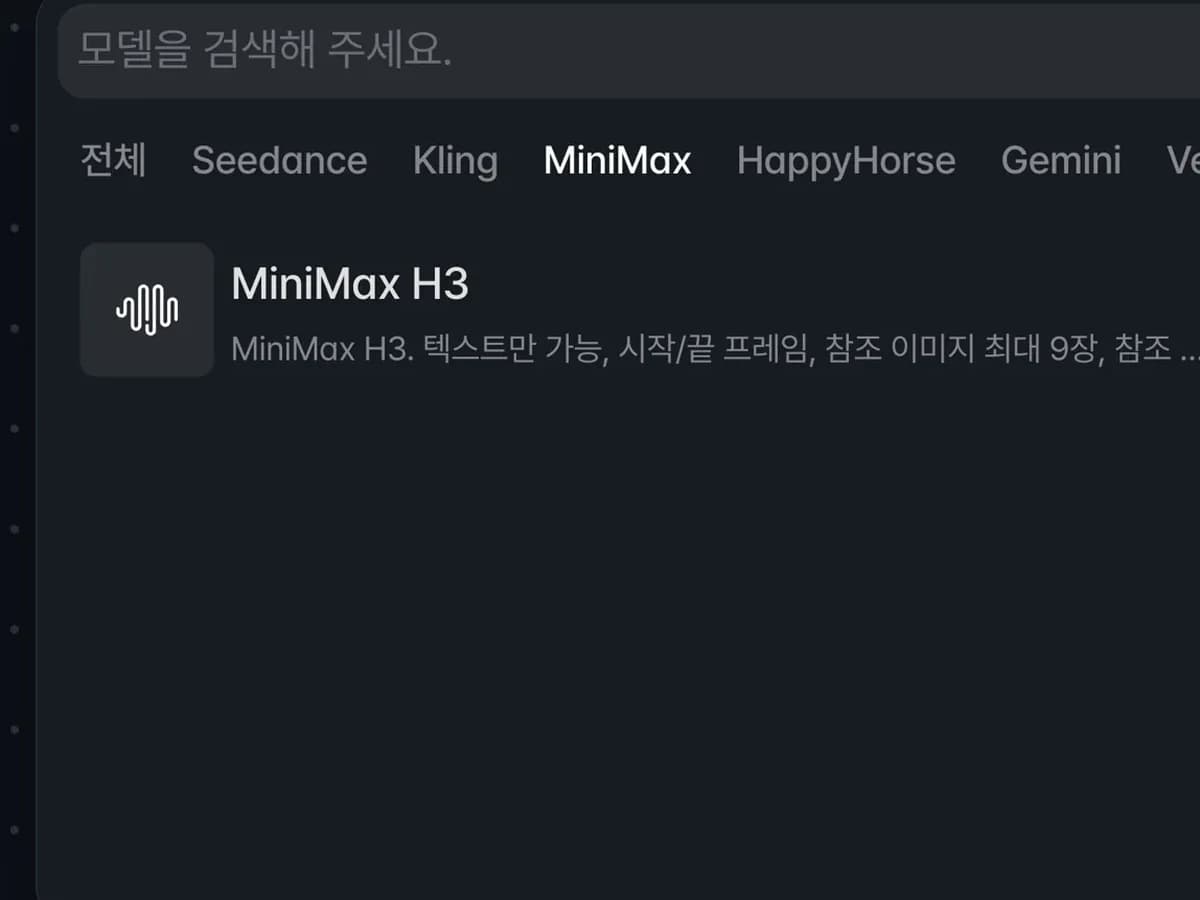
MiniMax H3, Gemini Omni Flash release
This update adds the MiniMax H3 video model, the generally available Gemini Omni Flash with resolution options, and Composition editing on phones.
- v1.5
v1.5
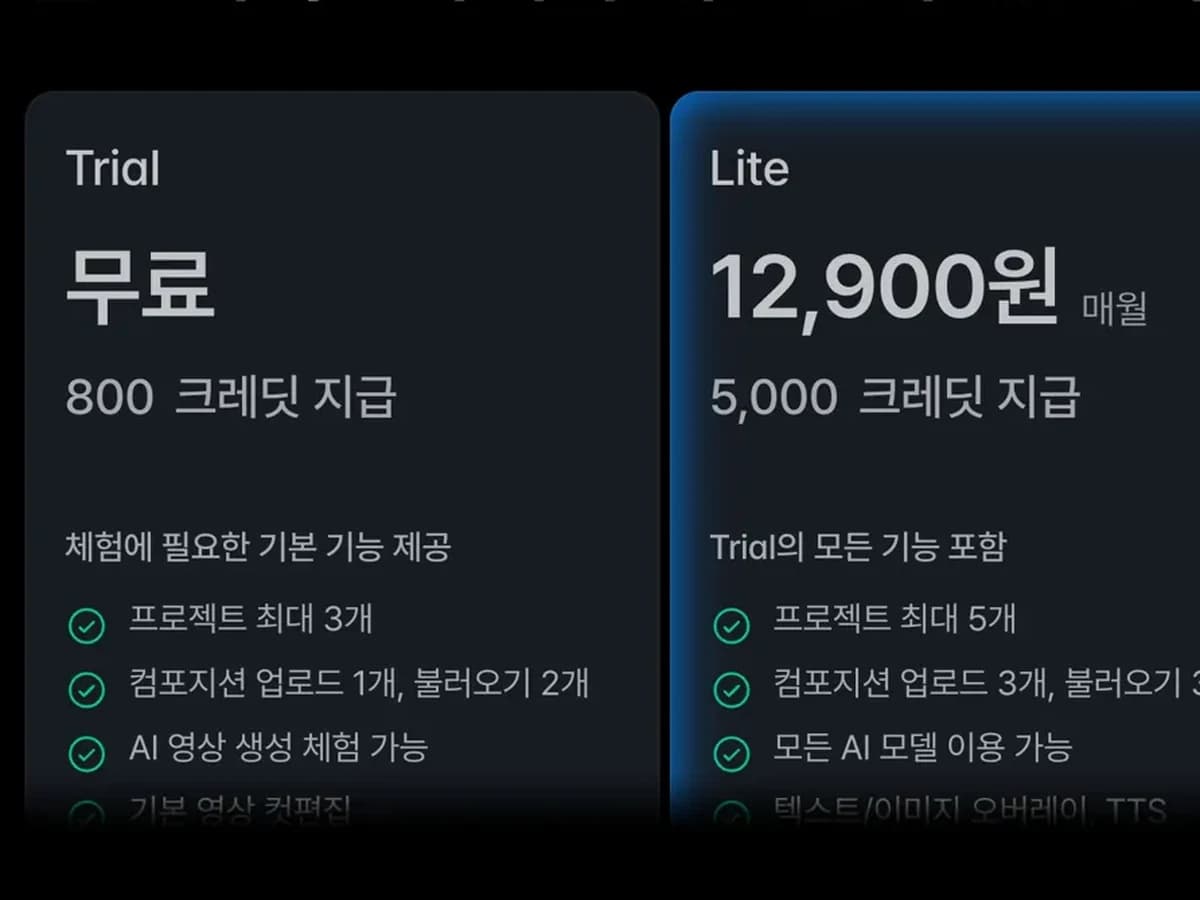
Lite plan, new landing page
The Lite plan is here, Basic and Max are now Plus and Ultra, and an empty canvas now opens with a start input alongside a redesigned landing page.
- v1.4
v1.4
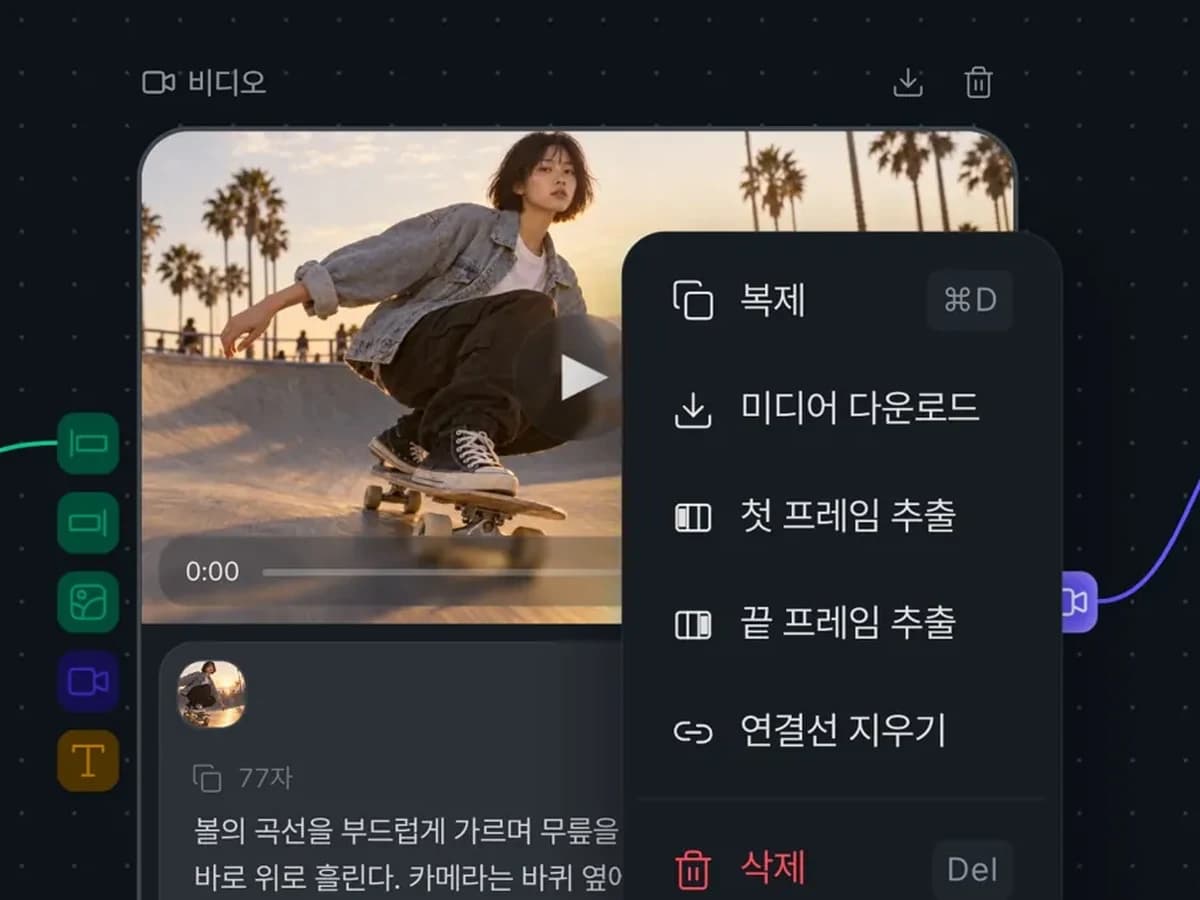
Extract video frames as images
You can now extract the first and last frames of a video node as image nodes in Canvas, and save the frame at the playhead as an image in Composition.
- v1.3
v1.3
Clip color grading, audio clip splitting
You can now adjust clip colors with filters and fine controls, split audio clips in Composition, and edit generated prompts in the AI prompt node.
- v1.2
v1.2
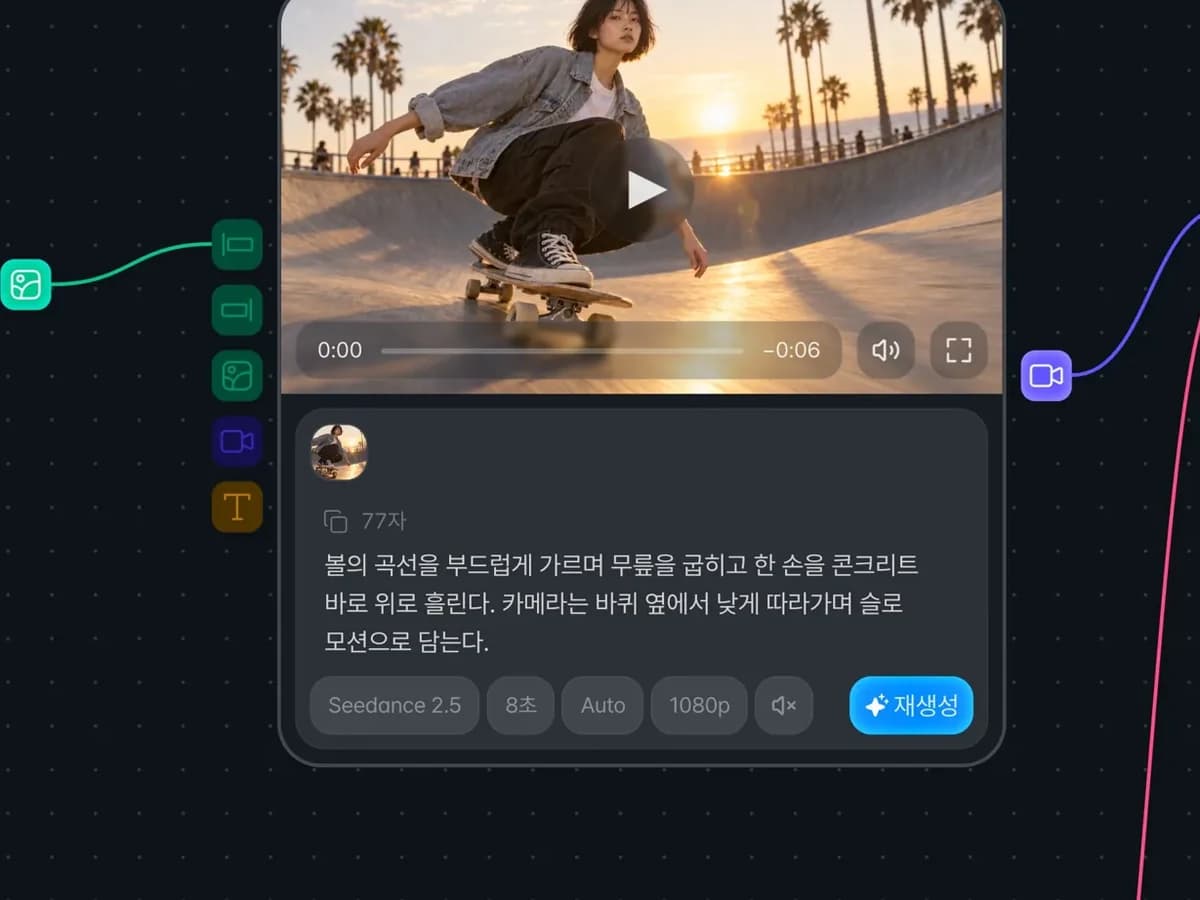
Seedance 2.5, Canvas in English and Japanese
Seedance 2.5 is now available, Canvas and Composition are shown in English and Japanese, and failed generations now explain what went wrong.
- v1.1
v1.1
Coupon code redemption
You can now redeem coupon codes on the Subscription page, and the credits are added to your account right away.