Extract video frames as images
Canvas
You can now extract the first and last frames from a video node
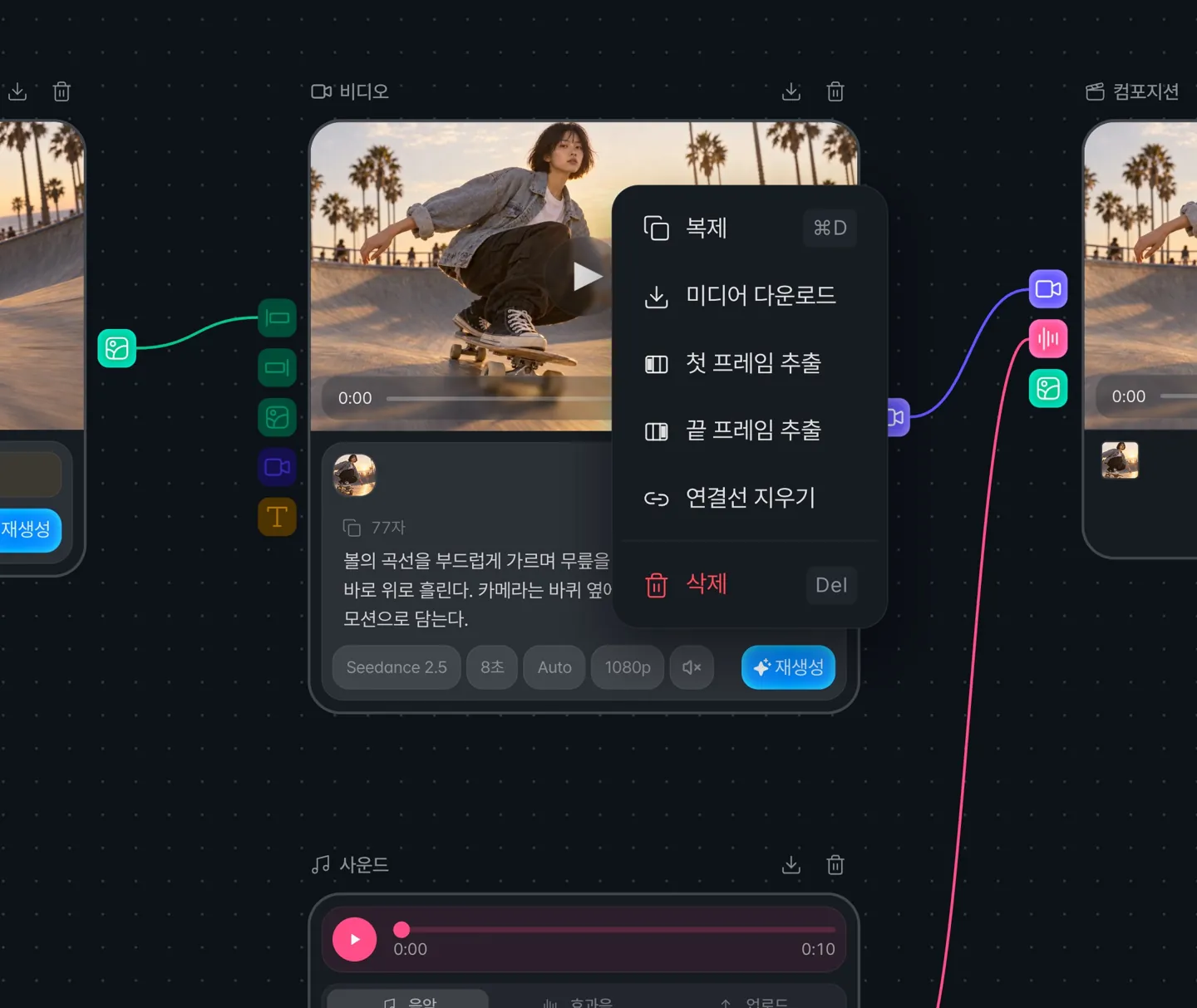
Right-click a finished video node and choose Extract first frame or Extract end frame, and the frame is added as a new image node.
You can connect the extracted image to the next video node as its start frame to continue the scene.
Composition
You can now save the frame at the playhead as an image
Press the Extract frame button to download the frame of the clip under the playhead as an image file.
The original frame is saved, before cropping, color adjustments, or captions are applied.