Seedance 2.5, Canvas in English and Japanese
AI models
Seedance 2.5 is now available
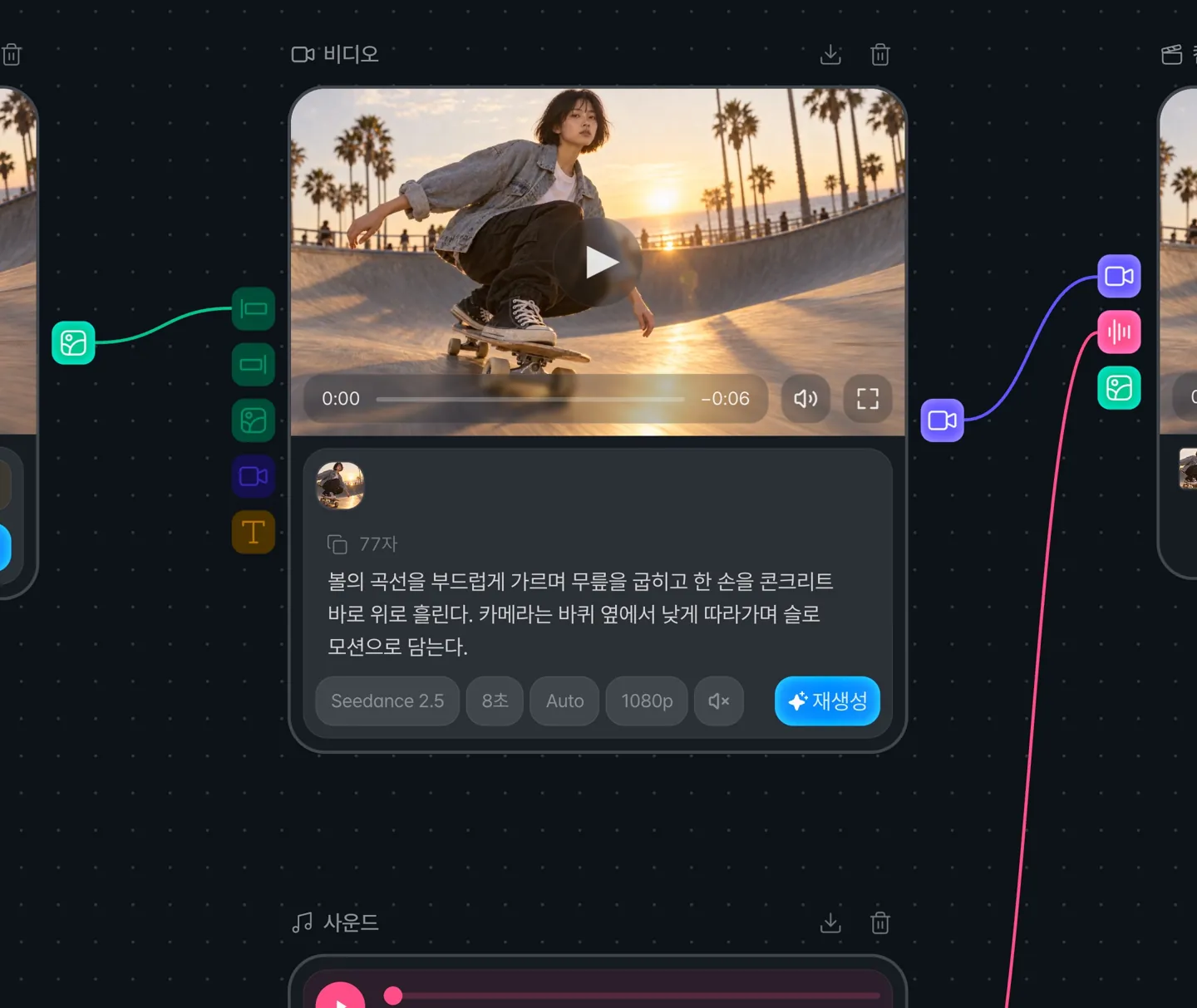
You can now choose Seedance 2.5 in a video node. It generates clips from 4 to 30 seconds in a single pass, with 480p, 720p, and 1080p resolution and sound.
You can connect up to 30 reference images and up to 10 reference videos (30 seconds in total). See the Seedance 2.5 model page for full specs.
Canvas
Canvas and Composition are now shown in English and Japanese
Text in Canvas and Composition that stayed in Korean after switching the language now appears in the language you choose.
You can now see more specific reasons when a generation fails
Klipse now tells you whether a generation was blocked for copyright-related content, had its audio blocked, was caught by a safety filter, or failed temporarily because of high demand, and how to try again.
It also lets you know when an input image's resolution or aspect ratio is outside the supported range. Error messages on nodes now show up to three lines, so longer messages are no longer cut off.
Composition
Trimming the start of an audio clip is now reflected in the final video
Fixed an issue where the part you trimmed from the start of an audio clip still appeared in the final video.
You can now see a failed render right away
When rendering fails on the server, it is now marked as failed right away instead of leaving you waiting.
Highlight
The standalone Highlight pages have been retired
The separate Highlight-only pages and sign-in screen have been retired. You can keep using Highlight from the Highlight screen inside Klipse.